

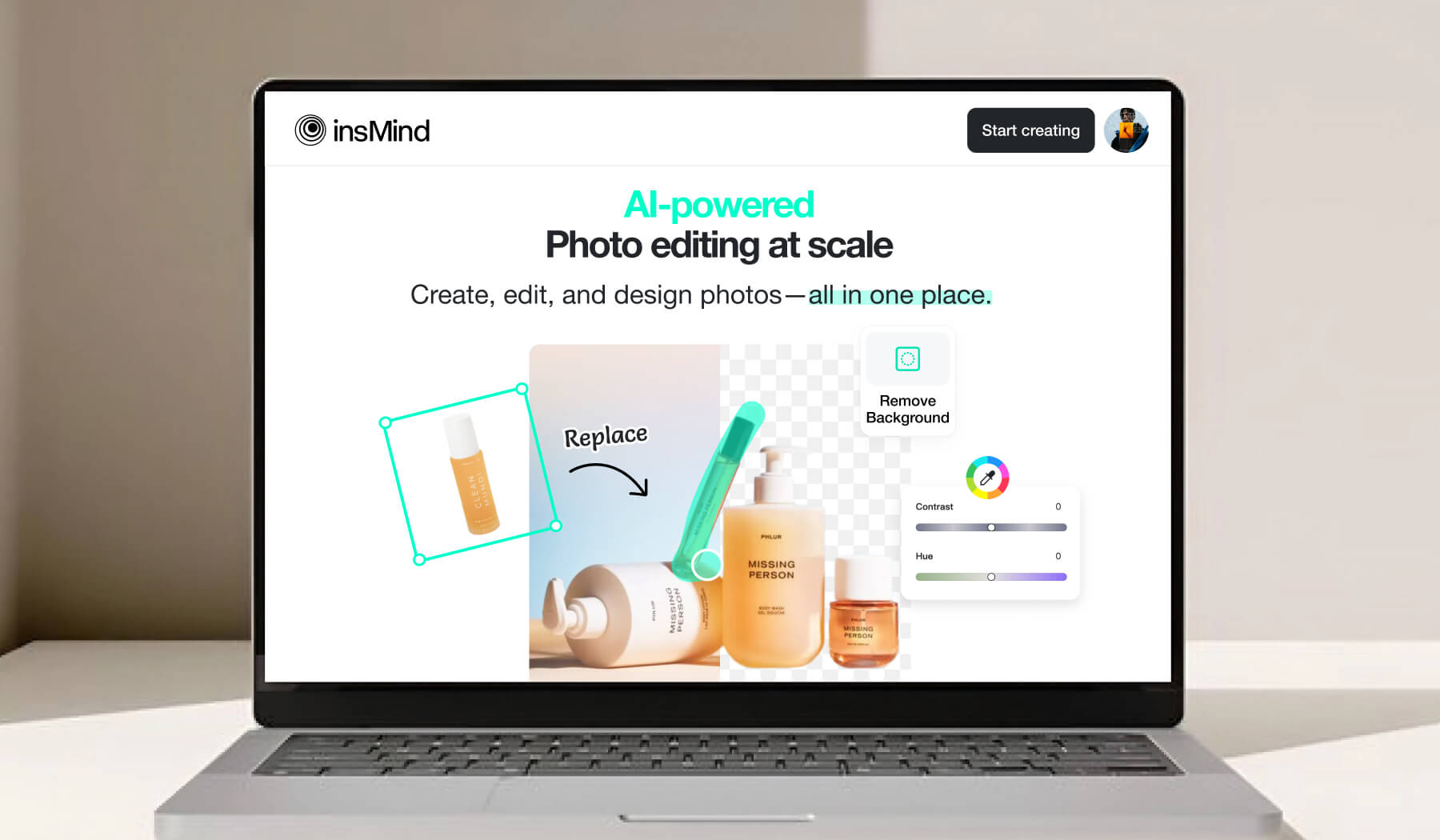
Nowadays, social media has become all about visuals, and if you post unique and attractive pictures, more people will interact with them. Unlike past times when editing pictures required skills and pricy software, online AI image editors have now made the job easier for everyone. Through their simple and feature-rich interfaces, anyone can optimize their posts for social media content.
One of the stand-out AI tools is insMind, which helps you create visually perfect and eye-catching pictures that everyone will love. This article will teach you how the insMind AI photo editing tool can help you edit pictures using its unique features.
Part 1. Diverse Features Offered by insMind AI Photo Editor
Let’s explore some key features of insMind, an AI photo editor that is powerful and versatile for both beginners and professionals. With its advanced technology, this tool offers a wide range of tools to enhance and refine your pictures.
-
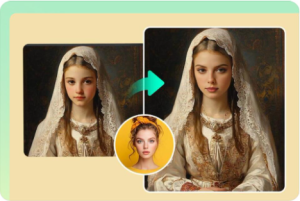
AI Face Swap
Have you ever wondered about an AI photo editing tool that can do magic and swap your face with someone else? It can be possible with the insMind’s face swap feature, where you only have to put your picture and the desired celebrity picture to let the tool do its work.
Moreover, if you are curious about how you will look like the opposite gender, this tool can smoothly perform a gender swap. With the range of AI faces available, you can test its functionality before moving towards the actual face swap process.
2. AI Generative Fill
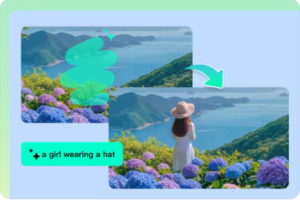
This AI photo editor online free tool lets you fill in gaps or replace any object in your pictures. By typing creative prompts in the description box, like “add a cat”, this AI-powered tool will immediately generate a suitable cat according to the picture.
While doing so, you need to highlight the part where you want AI to create a cat for more specifications. Using this toolbox, you can experiment with different prompts to show your creativity.
3. AI Photo Filters
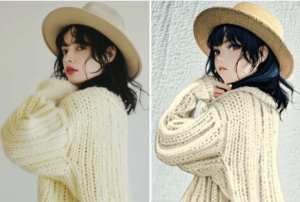
If you want to give your pictures an artistic style, you can use AI filters to turn your photographs into art. Not only this, but it also has various filters to choose from that give your pictures a whole new look. As a free AI photo editor, insMind provides you with unlimited filter options that can turn your photos into an artistic masterpiece with just a few clicks.
After applying the AI-powered filter to your photograph, you get to download them in HD or ultra-HD resolutions. You can even compare the results after applying filters to ensure the desired output.
4. AI Image Expander
With the help of an AI image expander, you can expand your images without stretching and ruining their quality. The AI image editor automatically generates and completes the missing part of the image. This feature is helpful for people promoting their brand products, which improves the visuals of selling assets.
Sometimes, the frame of the pictures is cropped, and the AI expander provides a sharp and clean finish to the photographs. You can choose from various aspect ratios built into this tool to make your photos ready for social platforms.
5. AI Background Remover
Users can use insMind free AI photo editor to remove backgrounds from their pictures for professional or personal use. Using this advanced AI feature, you can not only remove but also add backgrounds using its already-designed templates.
Moreover, with its precise editing, you don’t even have to worry about fine details like hair strands to ensure flawless and natural-looking results. Many social media influencers use this feature to create perfect images that make you wonder why they have that ideal background.
6. AI Image Enhancer
When it comes to social media posts, everyone loves high-quality pictures, so using an AI photo editing tool can make your photographs more defined. Using insMind’s AI enhancer feature, you can upgrade your pictures to HD quality with high pixels.
Furthermore, users get to enhance the old photos of their loved ones for memories. Its AI enhancer feature allows you to unblur blurred pictures and optimize their shade and contrast. When downloading an image, this tool will also give you the option to change its resolution.
7. AI Image Generator
Most modern AI image editors should have an AI picture creator feature that allows users to create images using prompts. By using insMind’s AI image generator, you can make images using your creative mind and let the tool do its magic. This tool is beneficial for graphic designers to produce eye-catching visuals.
Similarly, to make your artwork even more perfect, you can use its AI models to adjust specific details like the intensity of the photo. While generating the picture, users also get the ability to choose from multiple AI filters to improve the creation.
8. AI Magic Eraser
This feature is used to get rid of unwanted objects from your photos and give them a cleaner look. Imagine you go on a trip and take a picture of yourself with the Eiffel Tower, but so many people are ruining your photo. That’s where you can use this tool to remove those people from your photo.
You can find this tool in a good AI photo editor like insMind, where anyone can easily remove objects from their picture. Upon removing the elements, users will be able to edit or download the output pictures in HD or Ultra-HD.
Conclusion
In conclusion, the best free AI photo editor must have all the features that one needs to edit pictures. To cater to the demands of diverse users, insMind has all the features needed for visual content creation. Using its advanced tools like AI image generator and AI background remover, content creators can generate a perfect post for their social media accounts.
