

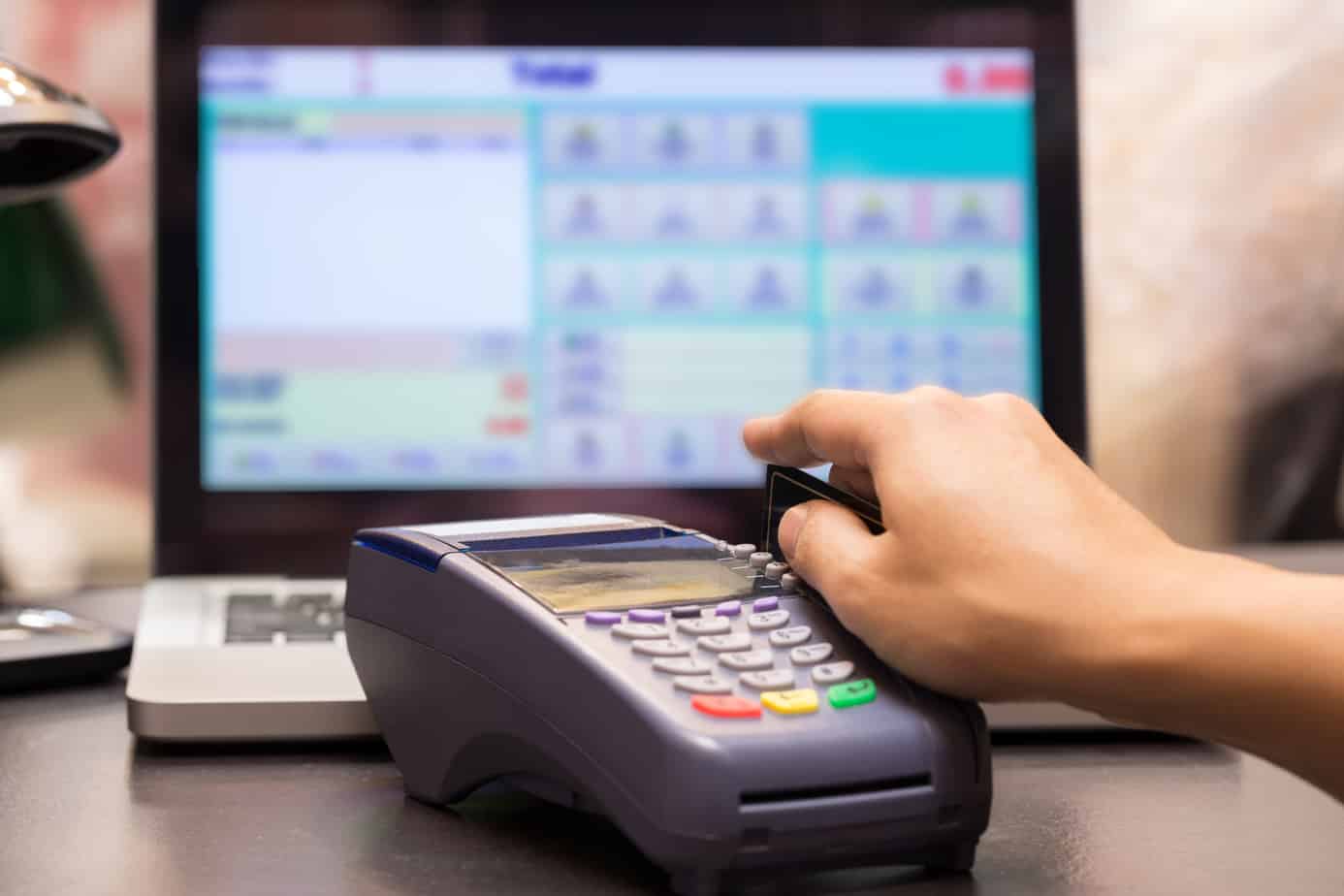
Retailers, restaurants, clinics, salons, and other businesses increasingly need simple ways to accept digital payments at the counter. However, payment terminology can become confusing when Electronic Data Capture (EDC) terminals and Point of Sale (POS) systems are discussed together.
An EDC machine is primarily used to process electronic payments at a merchant location. A broader POS setup may include billing and other checkout functions. Understanding the difference can help businesses choose a system that fits their daily operations.
What Is an Electronic Data Capture Terminal?
An Electronic Data Capture (EDC) terminal processes electronic transactions at a merchant establishment. It is commonly used for card payments, though supported payment modes depend on the device.
- How Does an EDC Transaction Work?
A typical EDC machine follows a simple payment flow:
- The merchant enters or confirms the amount.
- The customer uses a supported payment method.
- The terminal sends the transaction for authorisation.
- The payment is approved or declined.
- A receipt or confirmation is generated.
Modern terminals may support more than card swipes. Many Bank POS solutions support Swipe, Dip, and Tap for debit and credit cards, along with Unified Payments Interface (UPI), Bharat QR, and SMS Pay options.
What Is a POS Billing System?
A Point-of-sale (POS) system can cover a wider part of the checkout process. Depending on the setup, it may combine billing, payment acceptance, receipts, transaction records, and other business functions.
- What Can a POS Setup Include?
A POS billing machine may support functions such as:
| Function | Typical Role |
| Billing | Creates or records customer bills |
| Payments | Accepts supported digital payment methods |
| Receipts | Generates payment or billing records |
| Transaction History | Helps review completed sales |
| Business Integration | May connect with sales or inventory tools |
The exact capabilities depend on the POS solution selected.
What Is the Difference Between an EDC Machine and a POS Billing Machine?
The key difference is in the scope of the system. An EDC machine is primarily designed for payment processing, while a POS setup may combine payments with billing and other checkout functions.
- Key Differences at a Glance
| Factor | EDC Machine | POS Billing Machine |
| Main Purpose | Payment acceptance | Billing and checkout management |
| Card Payments | Core function | Commonly supported |
| Billing | Usually handled separately | May be integrated |
| Receipts | Payment receipt | May combine billing and payment records |
| Transaction Records | Focused on payments | May include wider sales information |
| Best Suited For | Businesses with separate billing systems | Businesses seeking a connected checkout setup |
EDC and POS terminology can overlap in everyday merchant banking. Businesses should therefore compare the actual features of a device instead of relying only on its name. Businesses that also accept online payments may need to evaluate the best payment gateway to manage their online transactions efficiently.
Which Setup Fits Your Business Better?
The choice depends mainly on the systems already used at the checkout counter and the functions employees need during each transaction.
Choose Based on Your Current Setup:
| Business Situation | Option to Consider |
| You Already Use Separate Billing Software | EDC terminal |
| You Mainly Need Digital Payment Acceptance | EDC terminal |
| Billing and Payment Should Happen Together | POS setup |
| You Need Connected Sales Records | POS setup |
| Staff Need Portable Payment Acceptance | Mobile or portable POS option |
| You Need Printed Payment Slips | Device with an integrated printer |
For example, a retailer with an established billing system may only need an EDC machine for collecting payments. A business starting a new checkout setup may prefer a POS solution with broader functionality.
What Features Should You Compare Before Choosing?
Device names alone do not tell businesses everything about a payment solution. Connectivity, payment modes, portability, reporting, and receipt options can affect everyday usability.
Before selecting an EDC machine, compare:
- Payment Methods: Look for support for cards, UPI, QR payments, and contactless transactions.
- Connectivity: Check options such as General Packet Radio Service (GPRS), Wi-Fi, 3G, or 4G.
- Portability: Consider if employees need to collect payments away from a fixed counter.
- Receipt Options: Review support for printed or digital charge slips.
- Transaction Visibility: Check how previous payments and settlements can be reviewed.
- Service and Charges: Understand applicable device costs, transaction charges, and service support.
How Can the Right Payment Device Improve Checkout?
The right payment setup can make transactions easier for employees and customers without adding unnecessary complexity.
- Practical Benefits to Look For
A suitable EDC machine or POS solution can help businesses:
- Accept commonly used digital payment methods.
- Reduce dependence on cash transactions.
- Give customers more payment choices.
- Maintain clearer transaction records.
- Process payments more efficiently at the counter.
- Select portable options where payments happen away from a fixed desk.
Choose a Payment Setup That Matches Daily Operations
Choosing between an EDC terminal and a POS billing setup should start with how payments and billing currently work within the business. Businesses with existing billing software may primarily need a payment terminal, while others may benefit from a more integrated checkout system.
Before choosing an EDC machine, compare payment modes, connectivity, portability, receipt options, and transaction-management features. Financial institutions like HDFC offer multiple merchant POS solutions designed for different payment environments. Selecting the right setup can help businesses manage customer payments more conveniently while keeping the checkout process aligned with everyday operational needs.
