



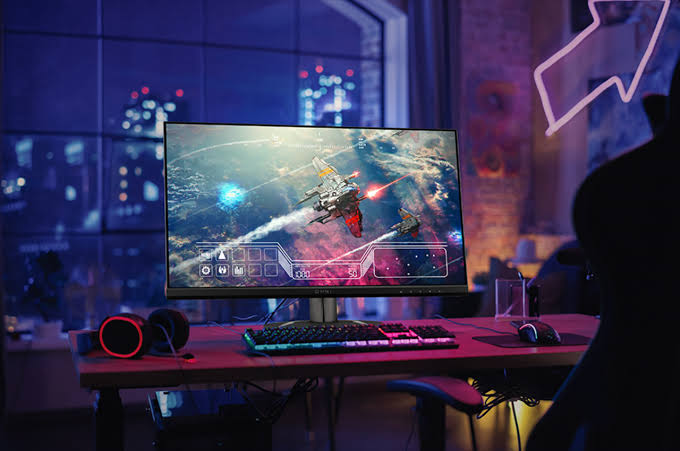
When it comes to setting up the ultimate gaming rig, one component that often takes the spotlight is the gaming monitor. The display is the window to the digital worlds you explore, offering a vivid and seamless gaming experience. An effective gaming monitor does more than just display images; it enhances your overall gaming performance. Selecting the right gaming monitor involves understanding various specifications that can significantly impact your gameplay.
Understanding Resolution and Size
The resolution and size of a gaming monitor play crucial roles in determining your gaming experience. Higher resolutions such as 1440p and 4K provide sharper and more detailed visuals, which can greatly enhance immersion. However, your graphics card must support such resolutions to maintain high frame rates. Choosing the correct size is also important; larger screens can offer a wider field of view, but require more space.
Refresh Rate and Response Time
Two critical specifications for gaming monitors are refresh rate and response time. The refresh rate, measured in Hertz (Hz), indicates how many frames per second the monitor can display. Monitors with higher refresh rates, such as 144Hz or even 240Hz, are popular among gamers for smoother motion depiction. Meanwhile, a low response time ensures that pixels change quickly, reducing motion blur during fast-paced action.
Panel Technology: TN, VA, and IPS
Understanding the differences between TN, VA, and IPS panels can help you find the best gaming monitor for your needs. TN panels offer the fastest response times but have poorer colour accuracy and viewing angles. VA panels provide better colours and contrast, though with slightly slower response times. IPS panels are well-regarded for their superior colour accuracy and wide viewing angles, making them excellent for both gaming and content creation.
Adaptive Sync Technologies: G-Sync and FreeSync
Adaptive Sync technologies like G-Sync by NVIDIA and FreeSync by AMD help to eliminate screen tearing, ensuring a smoother gaming experience. These technologies synchronise the monitor’s refresh rate with the graphics card’s frame rate, providing a seamless visual experience without stutter or tearing.
Additional Features to Consider
Beyond the basic specifications, there are several additional features that can enhance your gaming experience. Consider monitors with ergonomic stands that allow for height, tilt, and swivel adjustments for optimal viewing comfort. Additionally, monitors with built-in blue light filters and anti-glare coatings can reduce eye strain during prolonged gaming sessions.
The Role of Connectivity Options
Having the right connectivity options is essential for a clutter-free setup. Most modern gaming monitors come equipped with multiple HDMI and DisplayPort inputs, allowing connection to various devices. USB ports can also be beneficial, offering the opportunity to connect peripherals directly to the monitor.
Budget Considerations for Gamers
Setting a budget is an essential step in selecting the right gaming monitor. There is a broad price range, from budget-friendly options to high-end models with cutting-edge features. It is important to balance performance needs with budget constraints to find a monitor that offers the best value for your investment.
Conclusion: Maximising Your Gaming Experience
In conclusion, choosing the right gaming monitor is a critical step in creating an immersive and responsive gaming environment. By considering key factors such as resolution, refresh rate, panel type, and additional features, gamers can enhance their setup significantly. As technology evolves, monitors with enhanced features continue to emerge, offering even more options for gamers to explore.


